Composite symbol
Stack several symbols into one.
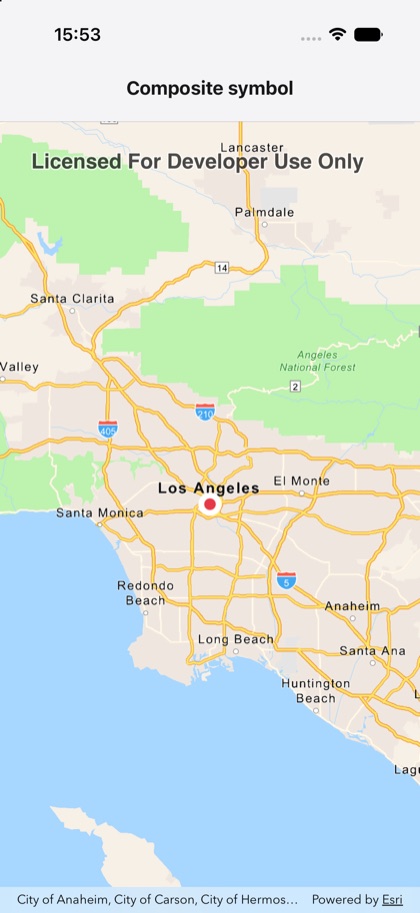
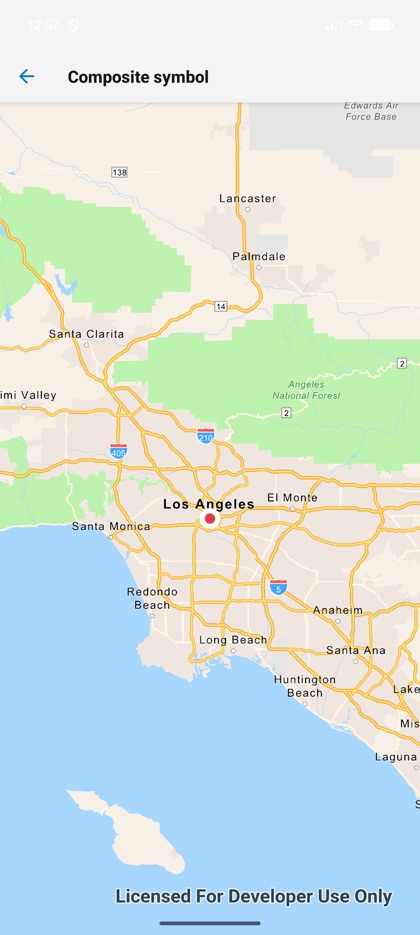
This is the real source of the example app’s composite-symbol screen — run it on a device
or simulator to see it live.
import { Graphic, GraphicsOverlay, Map, MapView, type Symbol } from 'expo-arcgis';
// A composite symbol draws several symbols stacked as one — here a white halo behind a red dot,// a common "pin" look built without a picture marker.const PIN: Symbol = {  type: 'composite',  symbols: [    { type: 'simple-marker', color: '#ffffff', size: 22 },    { type: 'simple-marker', color: '#e63946', size: 11 },  ],};
/** A composite symbol stacks several symbols into one — a white halo behind a red dot. */export default function CompositeSymbol() {  return (    <Map basemap="arcGISNavigation" initialViewpoint={{ latitude: 34.05, longitude: -118.24, scale: 1_000_000 }}>      <MapView style={{ flex: 1 }}>        <GraphicsOverlay>          <Graphic geometry={{ type: 'point', x: -118.24, y: 34.05 }} symbol={PIN} />        </GraphicsOverlay>      </MapView>    </Map>  );}