KML node tree
Read a KML document’s node hierarchy via the layer ref.
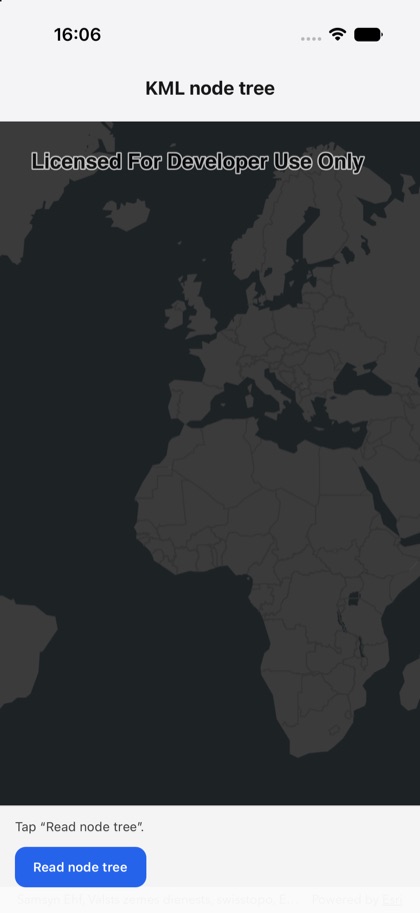
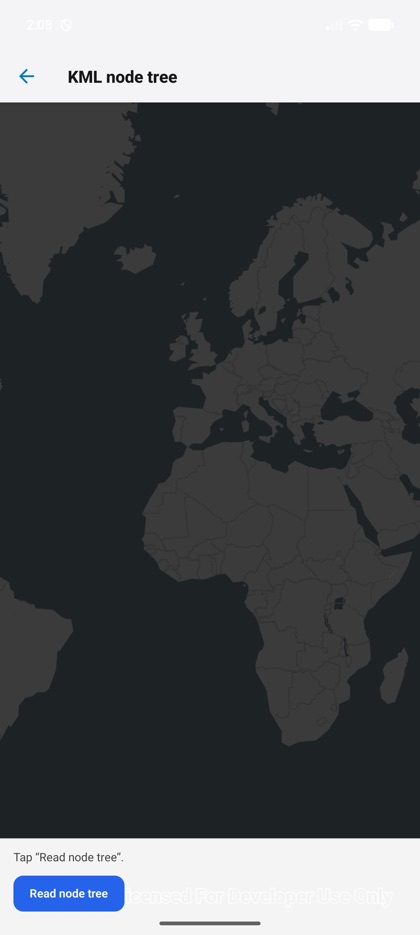
This is the real source of the example app’s kml-tree screen — run it on a device
or simulator to see it live.
import { KmlLayer, Map, MapView, type KmlLayerHandle, type KmlNodeInfo } from 'expo-arcgis';import { useRef, useState } from 'react';import { Button } from '../../components/ui/button';
import { SampleScreen } from '../../src/SampleScreen';
const EARTHQUAKES_KML = 'https://earthquake.usgs.gov/earthquakes/feed/v1.0/summary/2.5_week.kml';
const countNodes = (nodes: KmlNodeInfo[]): number =>  nodes.reduce((sum, n) => sum + 1 + countNodes(n.children ?? []), 0);
/** Loads a KML layer and reads its node tree (names, hierarchy) through the layer ref. */export default function KmlTree() {  const layer = useRef<KmlLayerHandle>(null);  const [status, setStatus] = useState('Tap “Read node tree”.');
  const read = async () => {    try {      const nodes = (await layer.current?.getNodes()) ?? [];      const names = nodes.map((n) => n.name).join(', ') || '—';      setStatus(`${nodes.length} root · ${countNodes(nodes)} total — ${names}`);    } catch (e) {      setStatus(String(e));    }  };
  return (    <SampleScreen status={status} controls={<Button title="Read node tree" onPress={read} />}>      <Map basemap="arcGISDarkGray" initialViewpoint={{ latitude: 20, longitude: 0, scale: 100_000_000 }}>        <KmlLayer ref={layer} url={EARTHQUAKES_KML} />        <MapView style={{ flex: 1 }} />      </Map>    </SampleScreen>  );}