WMS layer
Add an OGC WMS layer by service URL and layer name.
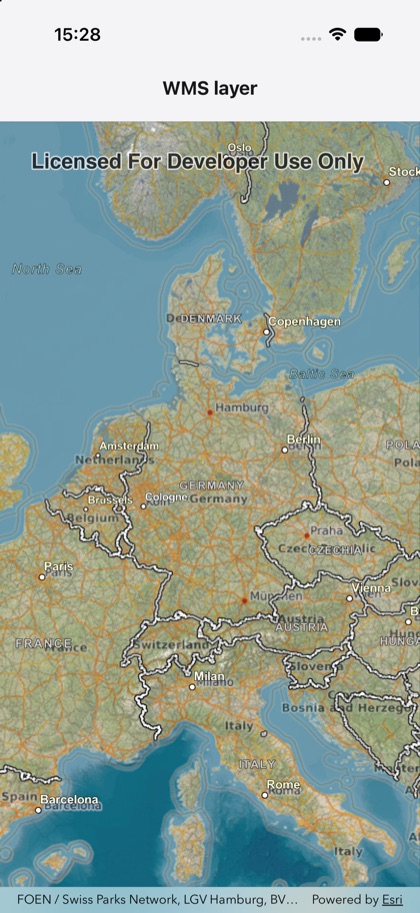
This is the real source of the example app’s wms-layer screen — run it on a device
or simulator to see it live.
import { Map, MapView, WmsLayer } from 'expo-arcgis';
// A public WMS service (terrestris OpenStreetMap).const WMS_URL = 'https://ows.terrestris.de/osm/service';
/** Adds an OGC WMS layer by service URL and visible layer name. */export default function WmsLayerSample() {  return (    <Map basemap="arcGISImagery" initialViewpoint={{ latitude: 51, longitude: 10, scale: 20_000_000 }}>      <WmsLayer url={WMS_URL} layerNames={['OSM-WMS']} opacity={0.6} />      <MapView style={{ flex: 1 }} />    </Map>  );}