Time extent
Filter a time-aware layer to a time window via the MapView timeExtent prop.
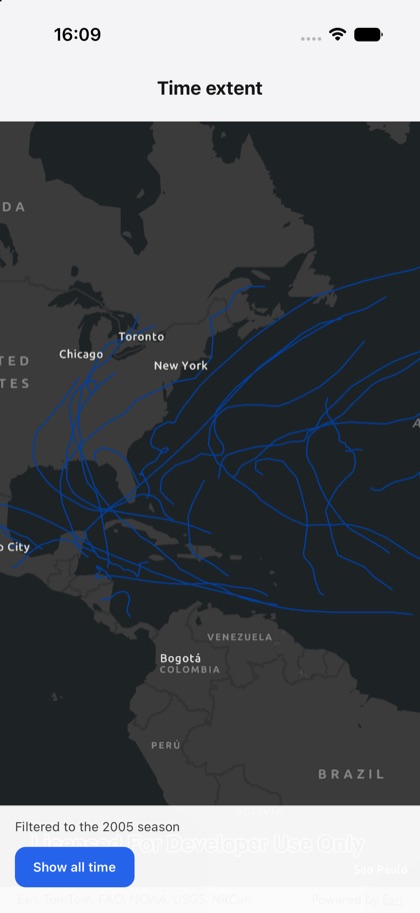
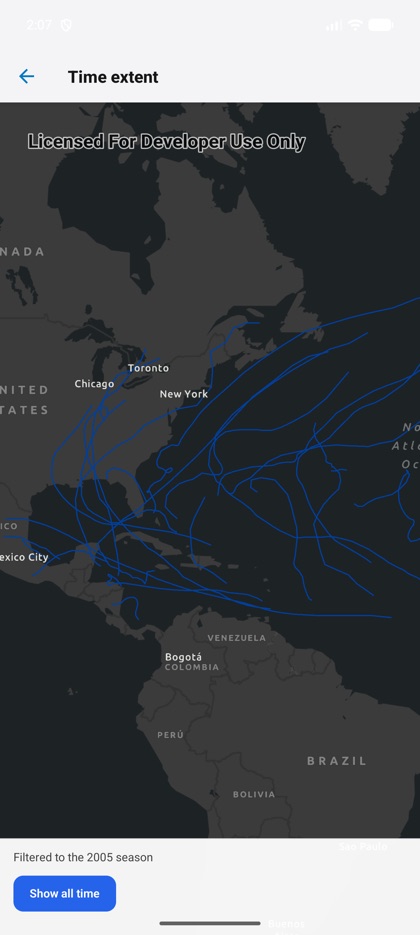
This is the real source of the example app’s time-extent screen — run it on a device
or simulator to see it live.
import { Map, MapImageLayer, MapView } from 'expo-arcgis';import { useState } from 'react';import { Button } from '../../components/ui/button';
import { SampleScreen } from '../../src/SampleScreen';
// A time-aware map service (Atlantic hurricane tracks).const HURRICANES = 'https://sampleserver6.arcgisonline.com/arcgis/rest/services/Hurricanes/MapServer';
// The 2005 Atlantic hurricane season (Katrina, Rita, Wilma…), epoch milliseconds.const SEASON_2005 = { startTime: Date.UTC(2005, 5, 1), endTime: Date.UTC(2005, 10, 30) };
/** Filters a time-aware layer to a time window via the `<MapView>` `timeExtent` prop. */export default function TimeExtent() {  const [filtered, setFiltered] = useState(true);
  return (    <SampleScreen      status={filtered ? 'Filtered to the 2005 season' : 'Showing all time steps'}      controls={        <Button title={filtered ? 'Show all time' : 'Filter to 2005'} onPress={() => setFiltered((f) => !f)} />      }    >      <Map basemap="arcGISDarkGray" initialViewpoint={{ latitude: 25, longitude: -70, scale: 60_000_000 }}>        <MapImageLayer url={HURRICANES} />        <MapView style={{ flex: 1 }} timeExtent={filtered ? SEASON_2005 : null} />      </Map>    </SampleScreen>  );}