Authenticator
Sign-in, OAuth and trust prompts for secured content, from the Toolkit’s authenticator.
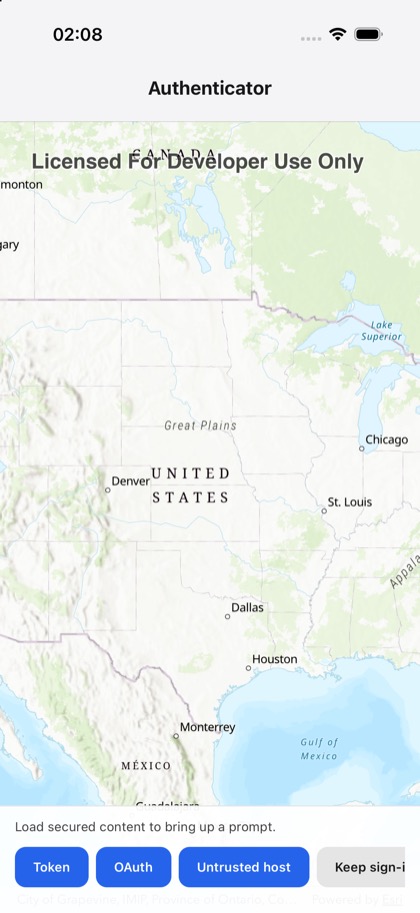
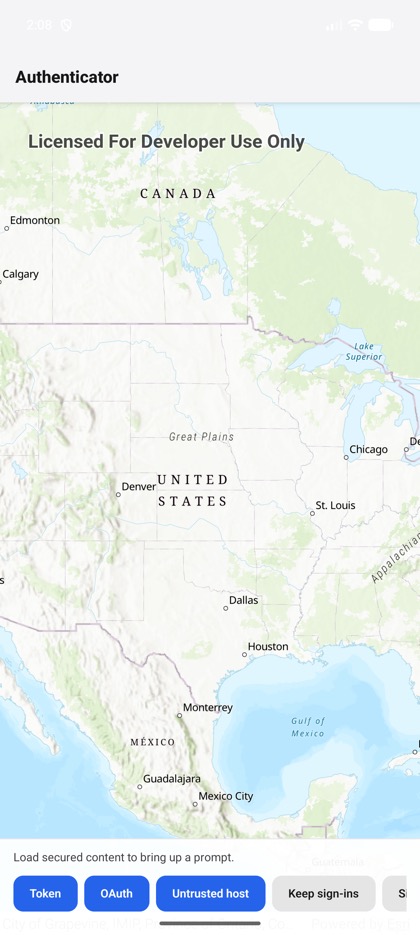
This is the real source of the example app’s toolkit/authenticator screen — run it on a device
or simulator to see it live.
import { useRef, useState } from 'react';import {  Map,  MapImageLayer,  MapView,  clearCredentialStore,  enablePersistentCredentialStore,} from 'expo-arcgis';import { Authenticator, type AuthenticatorHandle } from 'expo-arcgis-toolkit';import { Button } from '../../components/ui/button';
import { SampleScreen } from '../../src/SampleScreen';
// Esri's demo OAuth app from its samples ("for demo purposes only"), with its registered redirect.// Android receives the redirect through the toolkit plugin's `oAuthRedirectUris` (app.json).const OAUTH = {  portalUrl: 'https://www.arcgis.com',  clientId: 'lgAdHkYZYlwwfAhC',  redirectUrl: 'my-ags-app://auth',};
// Secured content, one layer at a time, each with the prompt it brings up.const LAYERS = {  // Token-secured ArcGIS Server: a username and password.  token: 'https://sampleserver6.arcgisonline.com/arcgis/rest/services/USA_secure_user1/MapServer',  // Premium ArcGIS Online content: the portal's sign-in page (OAuth).  oauth: 'https://traffic.arcgis.com/arcgis/rest/services/World/Traffic/MapServer',  // A self-signed certificate: whether to trust the host. On iOS, app.json allows the host in App  // Transport Security, which would otherwise reject it before any prompt.  untrusted: 'https://self-signed.badssl.com/arcgis/rest/services/Sample/MapServer',} as const;
const PROMPTS: Record<keyof typeof LAYERS, string> = {  token: 'Token-secured service: the authenticator asks for a username and password.',  oauth: 'ArcGIS Online traffic: the authenticator opens the portal sign-in page (OAuth).',  untrusted: 'Self-signed host: the authenticator asks whether to trust it.',};
/** * The ArcGIS Toolkit's authenticator: while it is mounted it handles the authentication challenges * and shows the Toolkit's prompts. Load a secured layer to bring one up. On leaving, the challenges * go back to expo-arcgis's handler. */export default function AuthenticatorSample() {  const authenticator = useRef<AuthenticatorHandle>(null);  const [layer, setLayer] = useState<keyof typeof LAYERS | null>(null);  const [load, setLoad] = useState(0);  const [status, setStatus] = useState('Load secured content to bring up a prompt.');
  function show(name: keyof typeof LAYERS) {    setLayer(name);    setLoad((count) => count + 1);    setStatus(PROMPTS[name]);  }
  async function run(label: string, action: () => Promise<void>) {    try {      await action();      setStatus(`${label}: done`);    } catch (error) {      setStatus(`${label}: ${String(error)}`);    }  }
  return (    <SampleScreen      status={status}      controls={        <>          <Button title="Token" onPress={() => show('token')} />          <Button title="OAuth" onPress={() => show('oauth')} />          <Button title="Untrusted host" onPress={() => show('untrusted')} />          <Button            title="Keep sign-ins"            variant="secondary"            onPress={() => run('Persistent credential stores', () => enablePersistentCredentialStore())}          />          <Button            title="Sign out"            variant="secondary"            onPress={() => run('Sign out', async () => authenticator.current?.signOut())}          />          <Button            title="Clear stores"            variant="secondary"            onPress={() => run('Clear credential stores', () => clearCredentialStore())}          />        </>      }    >      <Map basemap="arcGISTopographic" initialViewpoint={{ latitude: 39, longitude: -98, scale: 30_000_000 }}>        {layer && <MapImageLayer key={load} url={LAYERS[layer]} />}        <MapView style={{ flex: 1 }} />      </Map>      <Authenticator        ref={authenticator}        oAuthUserConfigurations={[OAUTH]}        promptForUntrustedHosts      />    </SampleScreen>  );}