Compass and scalebar
The ArcGIS Toolkit’s compass and scalebar over a rotated map.
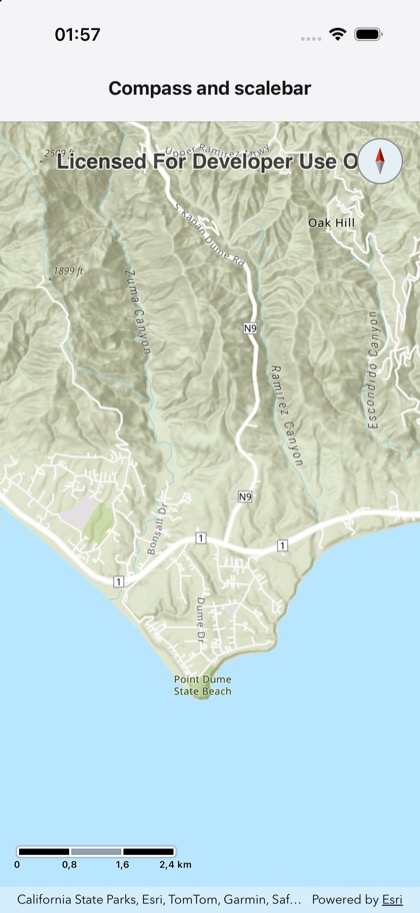
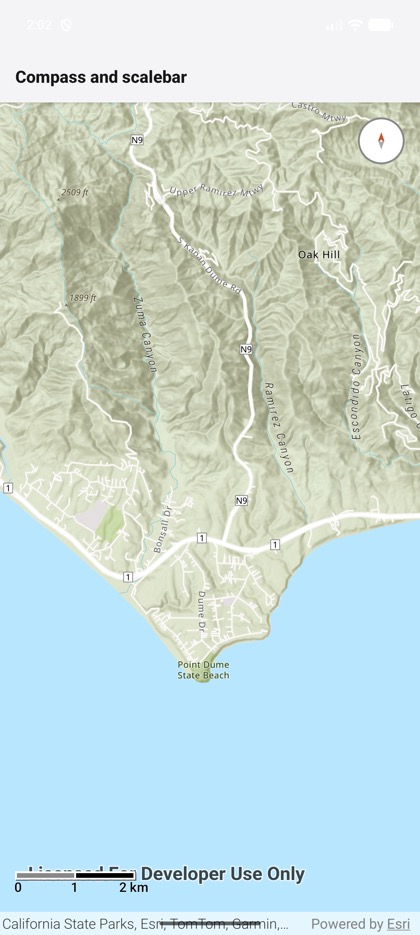
This is the real source of the example app’s toolkit/compass-scalebar screen — run it on a device
or simulator to see it live.
import { Map, MapView } from 'expo-arcgis';import { Compass, Scalebar } from 'expo-arcgis-toolkit';
/** * The ArcGIS Toolkit's compass and scalebar, drawn over the map. Rotate the map with two fingers; * tap the compass to turn it back to north. `autoHide={false}` keeps the compass on screen while the * map points north. */export default function CompassScalebar() {  return (    <Map      basemap="arcGISTopographic"      initialViewpoint={{ latitude: 34.027, longitude: -118.805, scale: 72_000 }}    >      <MapView style={{ flex: 1 }}>        <Compass autoHide={false} />        <Scalebar units="metric" />      </MapView>    </Map>  );}