Scene accessories
The compass and overview map over a 3D scene.
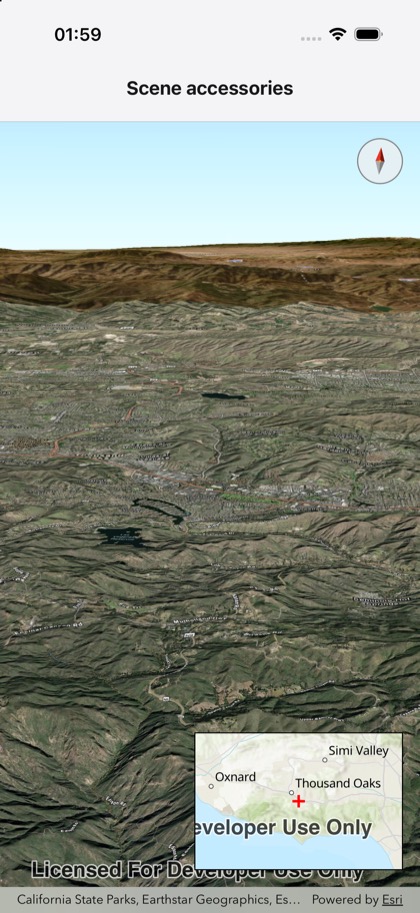
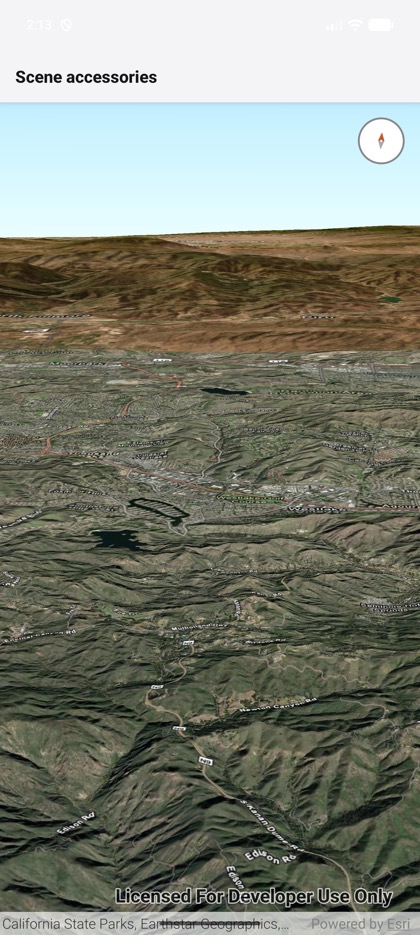
This is the real source of the example app’s toolkit/scene-accessories screen — run it on a device
or simulator to see it live.
import { Scene, SceneView, type Camera, type Surface } from 'expo-arcgis';import { Compass, OverviewMap } from 'expo-arcgis-toolkit';
const CAMERA: Camera = {  position: { x: -118.804, y: 34.0, z: 5330 },  heading: 355,  pitch: 72,  roll: 0,};
const ELEVATION: Surface = {  elevationSources: [    { url: 'https://elevation3d.arcgis.com/arcgis/rest/services/WorldElevation3D/Terrain3D/ImageServer' },  ],};
/** * Toolkit accessories over a 3D scene: the compass shows the camera's heading (tap it to face north, * keeping the camera's position and pitch), and the overview map marks the scene's center (iOS only). */export default function SceneAccessories() {  return (    <Scene basemap="arcGISImagery" surface={ELEVATION}>      <SceneView style={{ flex: 1 }} camera={CAMERA}>        <Compass autoHide={false} />        <OverviewMap alignment="bottomTrailing" />      </SceneView>    </Scene>  );}