Location button
Start the location display and cycle its auto-pan modes (iOS only).
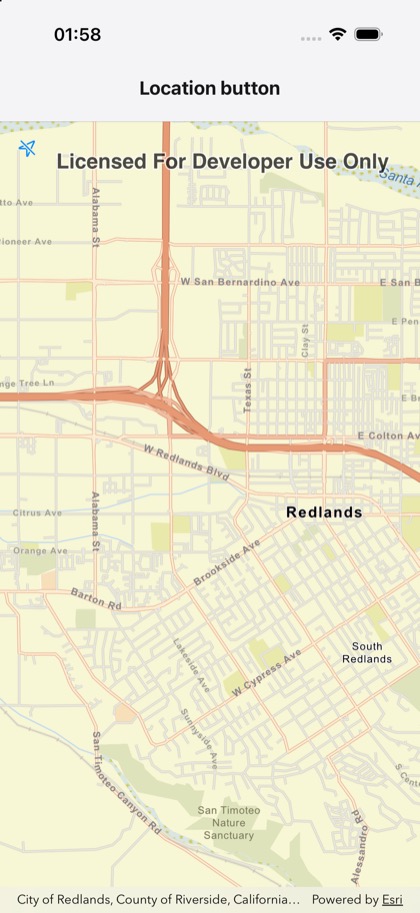
This is the real source of the example app’s toolkit/location-button screen — run it on a device
or simulator to see it live.
import { Map, MapView } from 'expo-arcgis';import { LocationButton } from 'expo-arcgis-toolkit';
/** * The ArcGIS Toolkit's location button. A tap starts the map's location display; further taps cycle * through the auto-pan modes (recenter, then compass navigation). iOS only: the Kotlin Toolkit has no * location button. */export default function LocationButtonSample() {  return (    <Map      basemap="arcGISStreets"      initialViewpoint={{ latitude: 34.0565, longitude: -117.1956, scale: 50_000 }}    >      <MapView style={{ flex: 1 }}>        <LocationButton autoPanModes={['recenter', 'compassNavigation']} />      </MapView>    </Map>  );}