Feature form
Tap a feature to edit it in its layer’s form, then apply the edits.
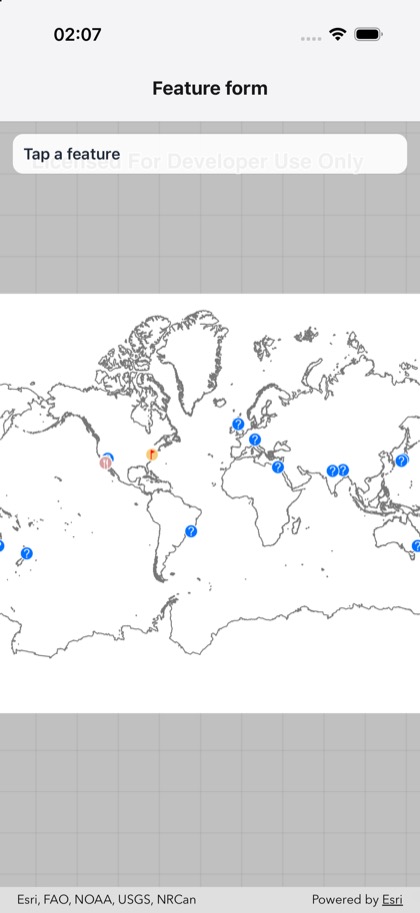
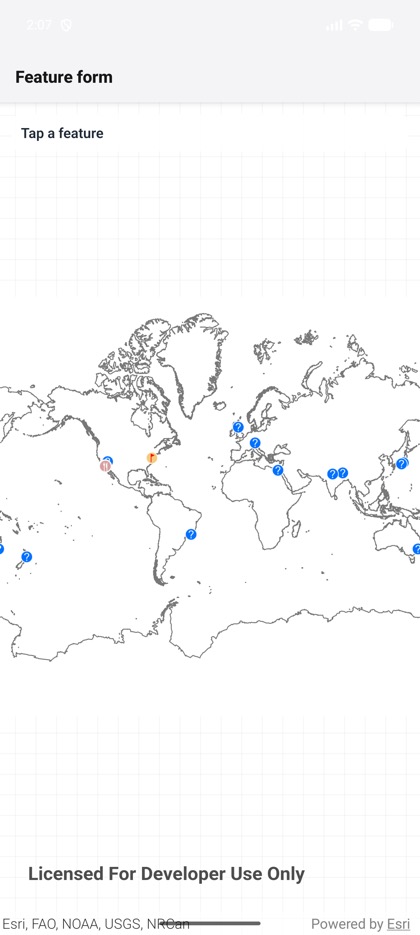
This is the real source of the example app’s toolkit/feature-form screen — run it on a device
or simulator to see it live.
import { useRef, useState } from 'react';import { StyleSheet, Text, View } from 'react-native';import { Map, MapView, type FeatureRef, type MapViewHandle } from 'expo-arcgis';import { FeatureFormView } from 'expo-arcgis-toolkit';
// The web map of the Toolkit's feature form example: feature layers with forms.const WEB_MAP_ID = 'f72207ac170a40d8992b7a3507b44fad';
/** * The ArcGIS Toolkit's feature form below the map: tap a feature, and the feature `identify` finds * there (its `ref`) opens in the form its layer defines. Save keeps the edits on the feature's table; * the sample then applies them to the service through `feature.getLayer()`, as the Toolkit's examples * do. */export default function FeatureFormSample() {  const mapView = useRef<MapViewHandle>(null);  const [feature, setFeature] = useState<FeatureRef | null>(null);  const [status, setStatus] = useState('Tap a feature');
  async function editFeatureAt(screenPoint: { x: number; y: number }) {    const results = (await mapView.current?.identify(screenPoint, { tolerance: 12 })) ?? [];    const hit = results.flatMap((result) => result.features)[0];    setFeature(hit?.ref ?? null);    setStatus(hit ? 'Edit, then Save' : 'Tap a feature');  }
  async function applyEdits(edited: FeatureRef) {    try {      const layer = await edited.getLayer();      if (!layer) return setStatus('Saved (not a feature layer’s feature)');      const database = await layer.getServiceGeodatabase().catch(() => null);      const results = await (database ?? layer).applyEdits();      setStatus(`Applied ${results.length} edit result(s)`);    } catch (error) {      setStatus(`Saved locally; applying failed: ${String(error)}`);    }  }
  return (    <View style={{ flex: 1 }}>      <Map portalItem={{ itemId: WEB_MAP_ID }}>        <MapView          ref={mapView}          style={{ flex: 1 }}          onTap={({ nativeEvent }) => editFeatureAt(nativeEvent.screenPoint)}        >          <View style={styles.banner} pointerEvents="none">            <Text style={styles.text}>{status}</Text>          </View>        </MapView>      </Map>      {feature && (        <FeatureFormView          feature={feature}          onEditingEvent={(event) => {            if (event.type === 'savedEdits') applyEdits(feature);            else setStatus('Edits discarded');          }}          onDismiss={() => {            setFeature(null);            setStatus('Tap a feature');          }}          style={styles.form}        />      )}    </View>  );}
const styles = StyleSheet.create({  form: { height: 420, backgroundColor: 'white' },  banner: {    position: 'absolute',    top: 12,    left: 12,    right: 12,    padding: 10,    borderRadius: 10,    backgroundColor: 'rgba(255, 255, 255, 0.92)',  },  text: { fontSize: 15, fontWeight: '600', color: '#1f2937' },});